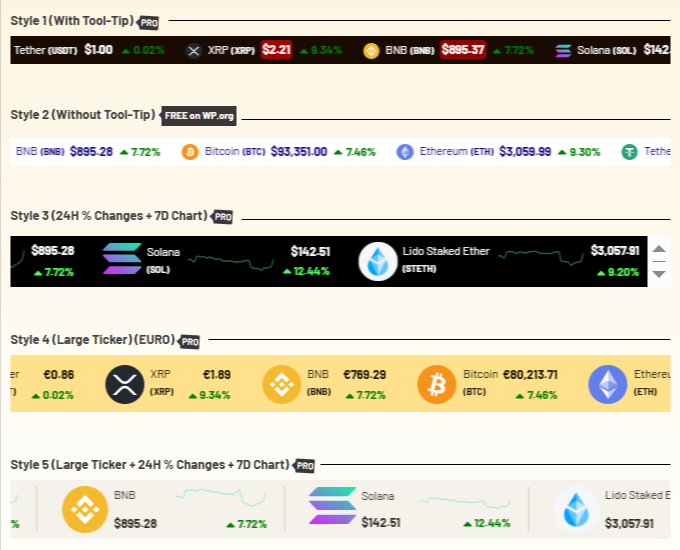
Using Cryptocurrency Widgets Pro, you can easily create a ticker widget and then add it anywhere on your page/post via shortcode.
What is Ticker Widget?
The Ticker Widget in Cryptocurrency Widgets Pro is a scrolling line of live cryptocurrency prices that moves from right to left. You can add this widget anywhere on your website, like headers, footers, or any section where you want visitors to quickly see real-time market updates like coin symbols, live prices, and more.
Follow the steps below to create a ticker widget:
Add Ticker Widget
- From your WordPress dashboard, navigate to Crypto Plugins > Crypto Widget Pro.
- Click Add New Widget.
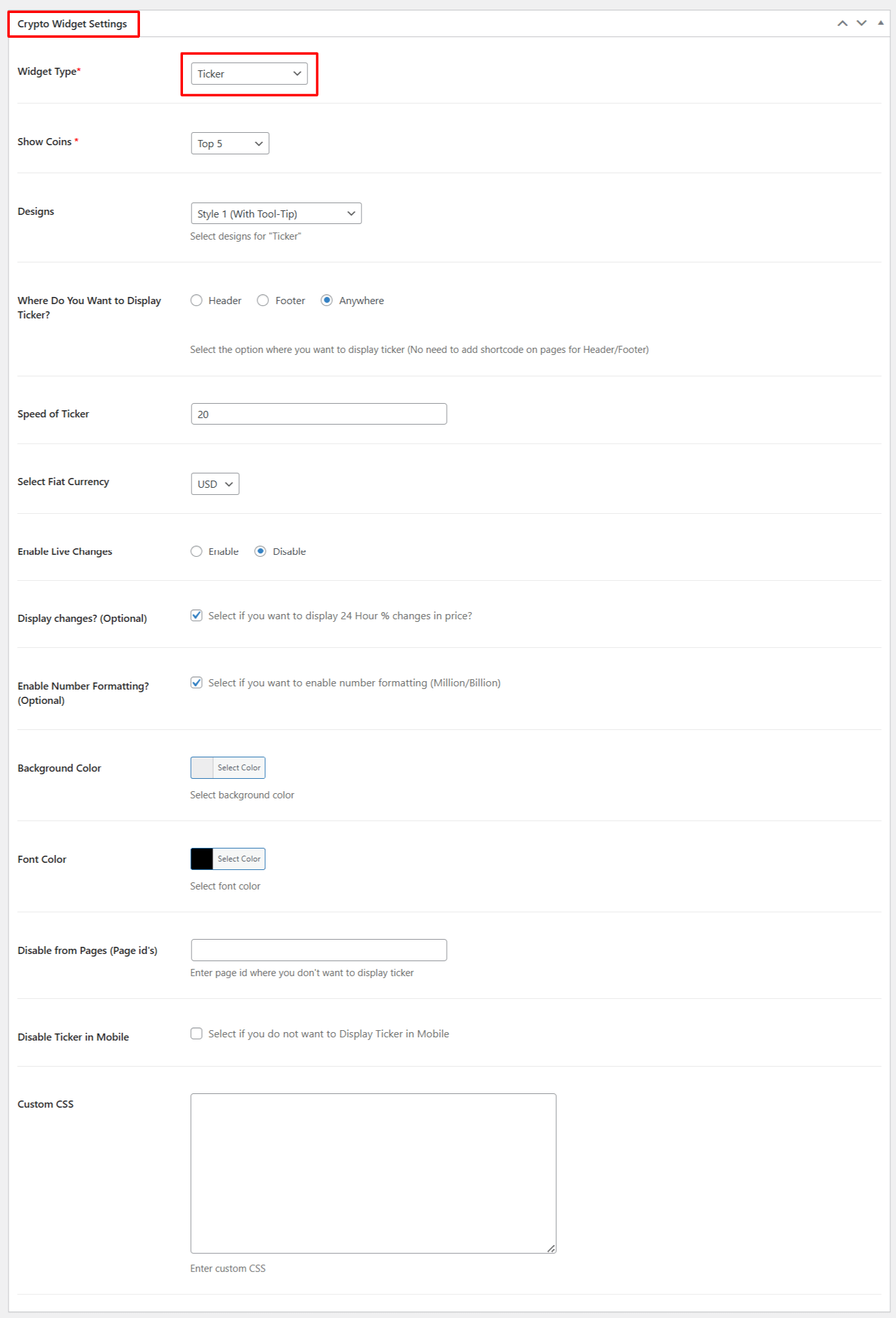
- From Crypto Widget Settings:
- Widget Type: Choose Ticker from the available widget type options.
- Show Coins: Select the number of top coins that you want to display on the ticker.
- Designs: Select your preferred ticker design.
- Where Do You Want to Display Tickers: Choose from Header, Footer, etc, where you want to display tickers.
- Speed of Ticker: Set how fast the ticker should scroll.
- Select Fiat Currency: Select the fiat currency for the displayed coins.
- Enable Live Changes: Enable this option if you want to show Live price changes in the ticker.
- Display Changes: Select if you want to display 24-hour % changes in price.
- Enable Number Formatting: Select if you want to display number formatting in Million or Billion.
- Background Color: Customize the background color of Ticker widget.
- Font Color: Customize font color of the Ticker widget.
- Disable from Pages: Enter the page ID of pages, where you do not want to display the ticker.
- Disable Ticker in Mobile: Check this option if you do not want to display Ticker in Mobile.
- Custom CSS: Enter the custom CSS for more styling options.
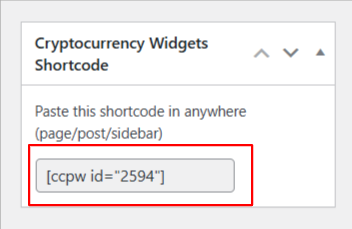
- After being satisfied, publish the page. A shortcode will be generated. Copy this shortcode and paste it anywhere on your site.
Output