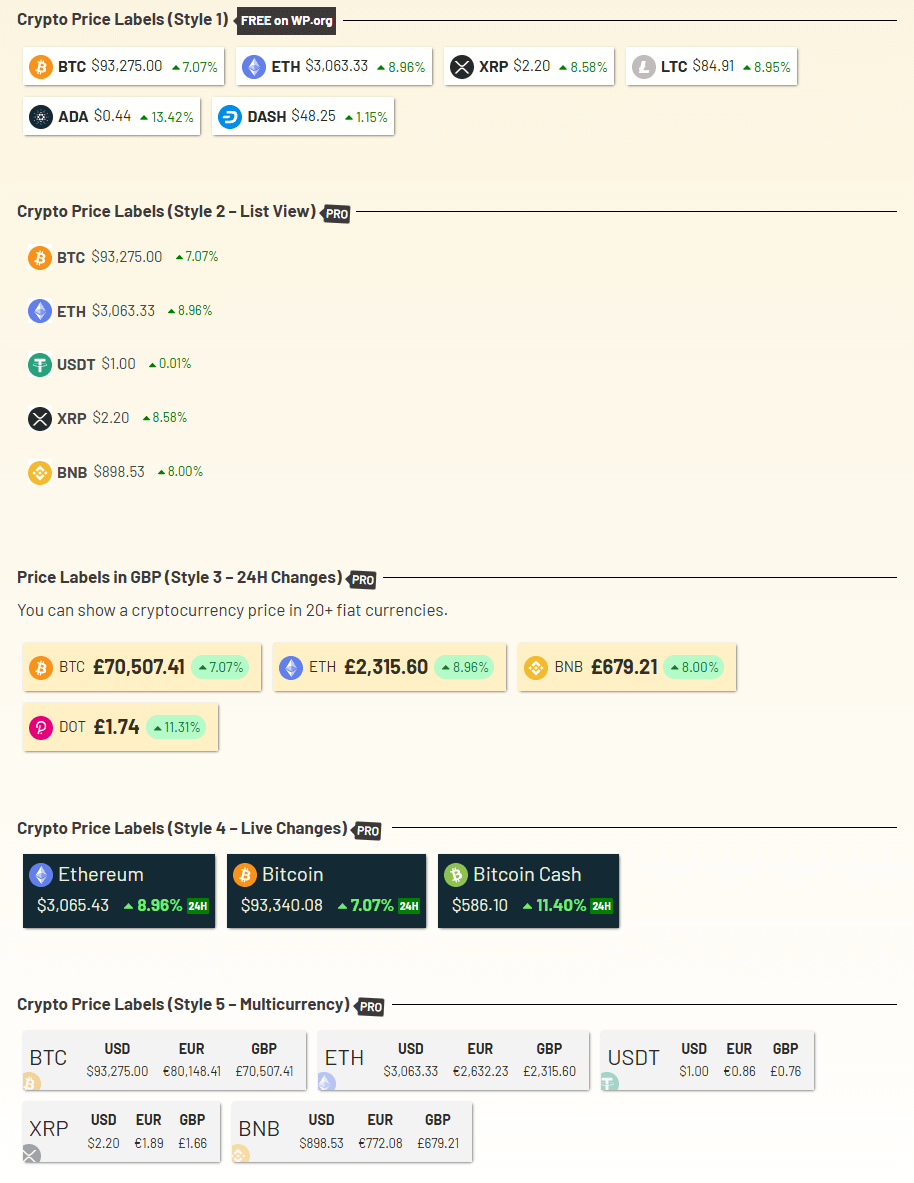
Using Cryptocurrency Widgets Pro, you can easily create a price label widget and then add it anywhere on your page/post via shortcode.
What is Price Label Widget?
The Price Label Widget shows the live price of a single cryptocurrency. It is perfect for adding a quick price badge anywhere on your website, such as in a sidebar, header, footer, or inside a blog post. This widget focuses on only one coin and shows its current value in your selected fiat currency.
Follow the steps below to create price label widget:
Add Price Label Widget
- From your WordPress dashboard, navigate to Crypto Plugins > Crypto Widget Pro.
- Click Add New Widget.
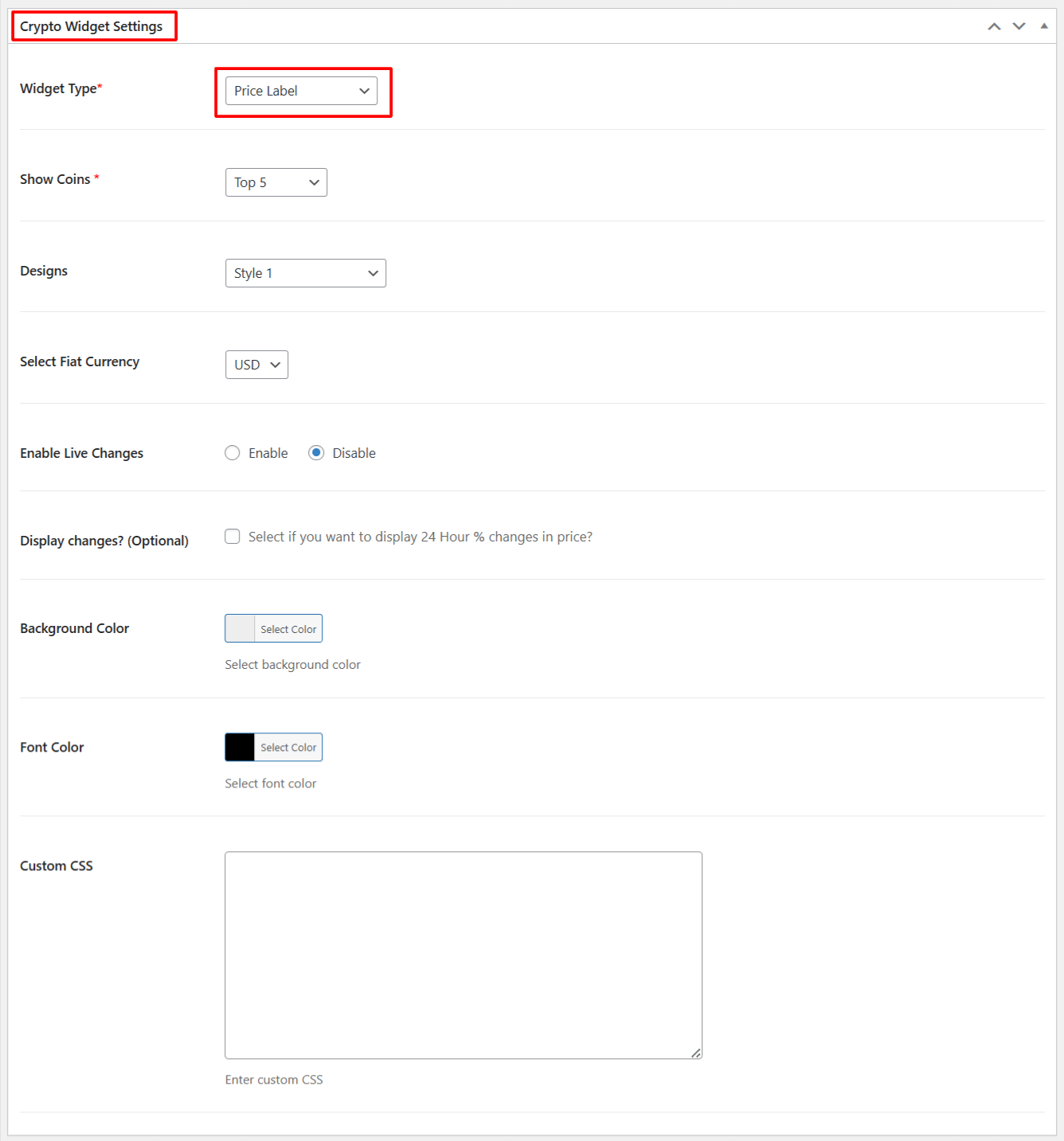
- From Crypto Widget Settings:
- Widget Type: Choose Price Label from the available widget type options.
- Show Coins: Select the number of top coins you want to display.
- Designs: Choose a design style for your price label widget.
- Select Fiat Currency: Choose the currency in which all prices will be displayed.
- Enable Live Changes: Enable this option if you want to show Live price changes in the table.
- Display Changes: Enable this if you want to show the 24-hour % price changes.
- Background Color: Choose the background color of the price label.
- Font Color: Set the text color for the label.
- Custom CSS: Add your own custom CSS if you want to further style the label.
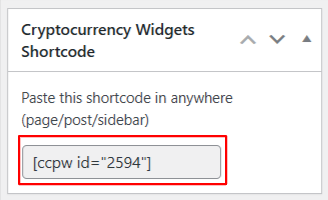
- After being satisfied, publish the page. A shortcode will be generated. Copy this shortcode and paste it anywhere on your site.
Output