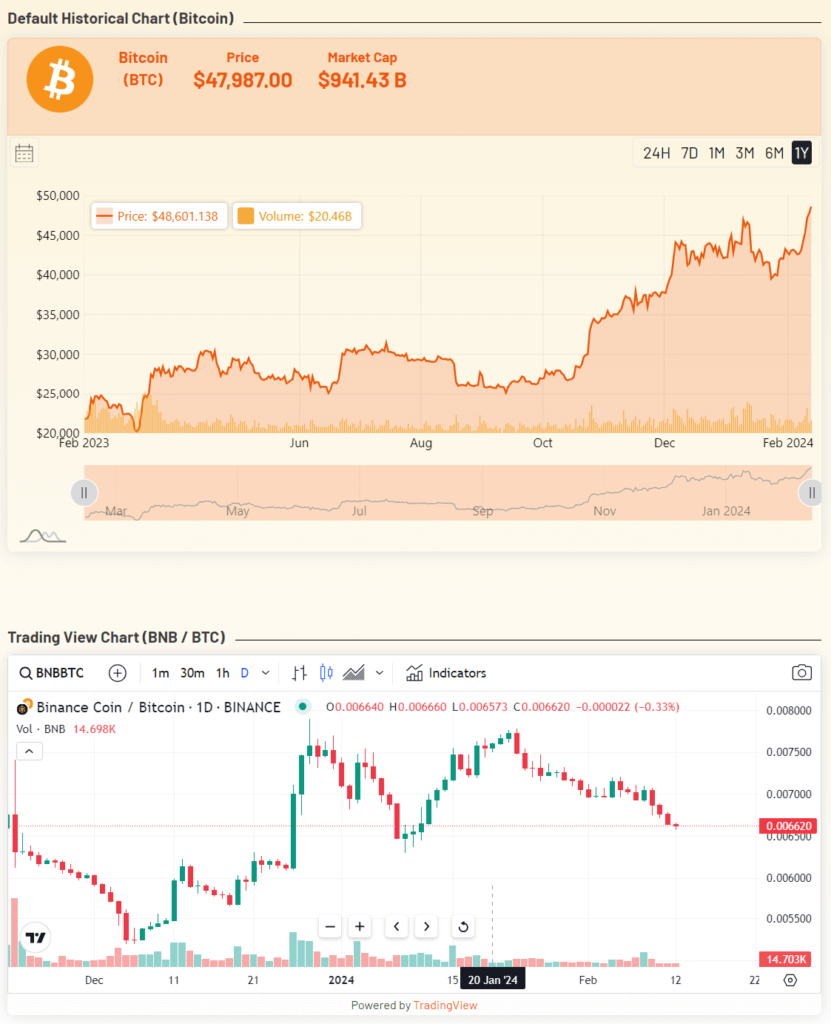
Using Cryptocurrency Widgets Pro, you can easily create a Price Chart widget and then add it anywhere on your page/post via shortcode.
What is Price Chart Widget?
The Price Chart Widget allows you to display interactive cryptocurrency price charts directly on your WordPress site. This displays real-time price trends, historical data, and market performance of any supported cryptocurrency for traders, investors, and crypto enthusiasts.
Follow the steps below to create the Price Chart widget:
Add Price Chart Widget
- From your WordPress dashboard, navigate to Crypto Plugins > Crypto Widget Pro.
- Click Add New Widget.
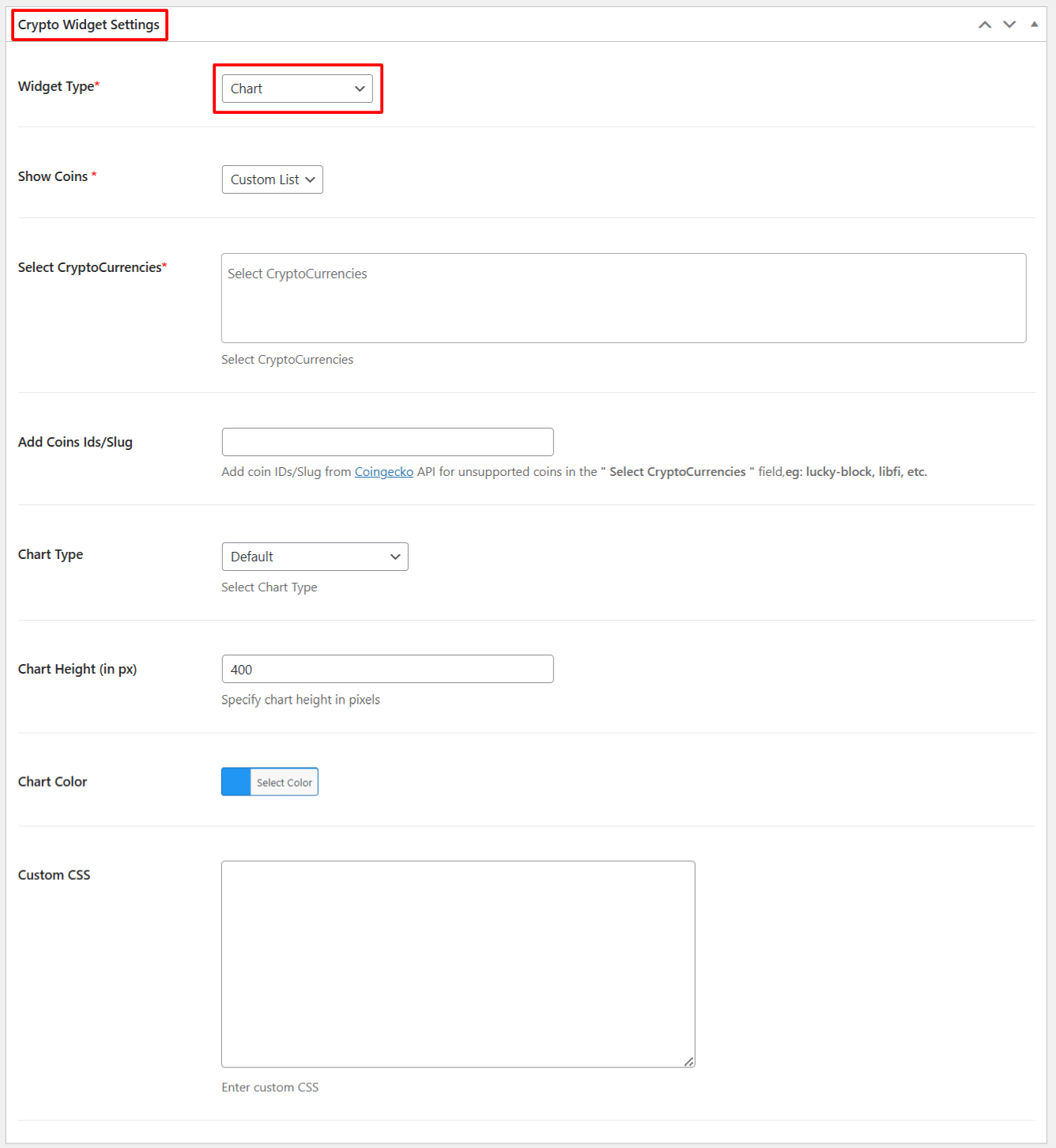
- From Crypto Widget Settings:
- Widget Type: Choose Chart from the available widget type options.
- Show Coins: Choose the specific coins you want to display in the chart.
- Select Cryptocurrencies: Enter the names of the cryptocurrencies you want to show.
- Add Coin IDs: If a coin is not listed in the suggestions, you can manually add its Coin ID here.
- Chart Types: Choose from three available chart types, from: Default, 3rd Party (CryptoCompare), or 3rd Party (TradingView).
- Chart Height: Adjust the height of the chart.
- Chart Color: Select the primary chart color according to your design preferences.
- Custom CSS: Enter the custom CSS for more styling options.
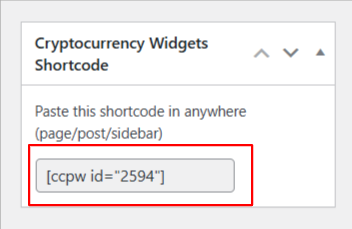
- After being satisfied, publish the page. A shortcode will be generated. Copy this shortcode and paste it anywhere on your site.
Output