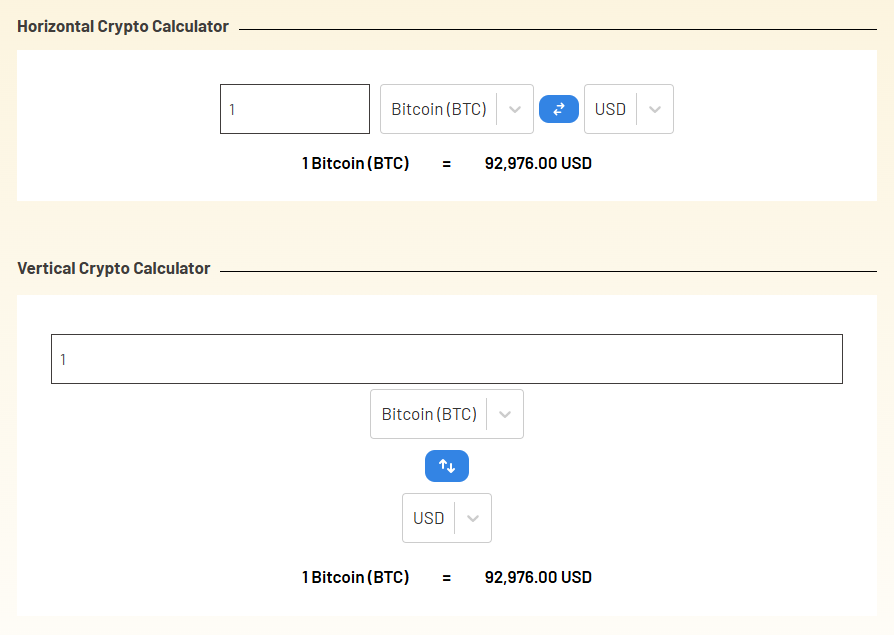
Using Cryptocurrency Widgets Pro, you can easily create a Currency Convertor Calculator and then add it anywhere on your page/post via shortcode.
What is Currency Convertor Calculator?
The Currency Converter Calculator allows users to convert cryptocurrency prices into different fiat currencies instantly. With this widget, your visitors can enter an amount of any supported crypto coin and see the converted value in real time. It is helpful for traders, investors, and anyone who wants quick price conversions without leaving your website.
Follow the steps below to create a Currency Convertor Calculator:
Add Currency Convertor Calculator
- From your WordPress dashboard, navigate to Crypto Plugins > Crypto Widget Pro.
- Click Add New Widget.
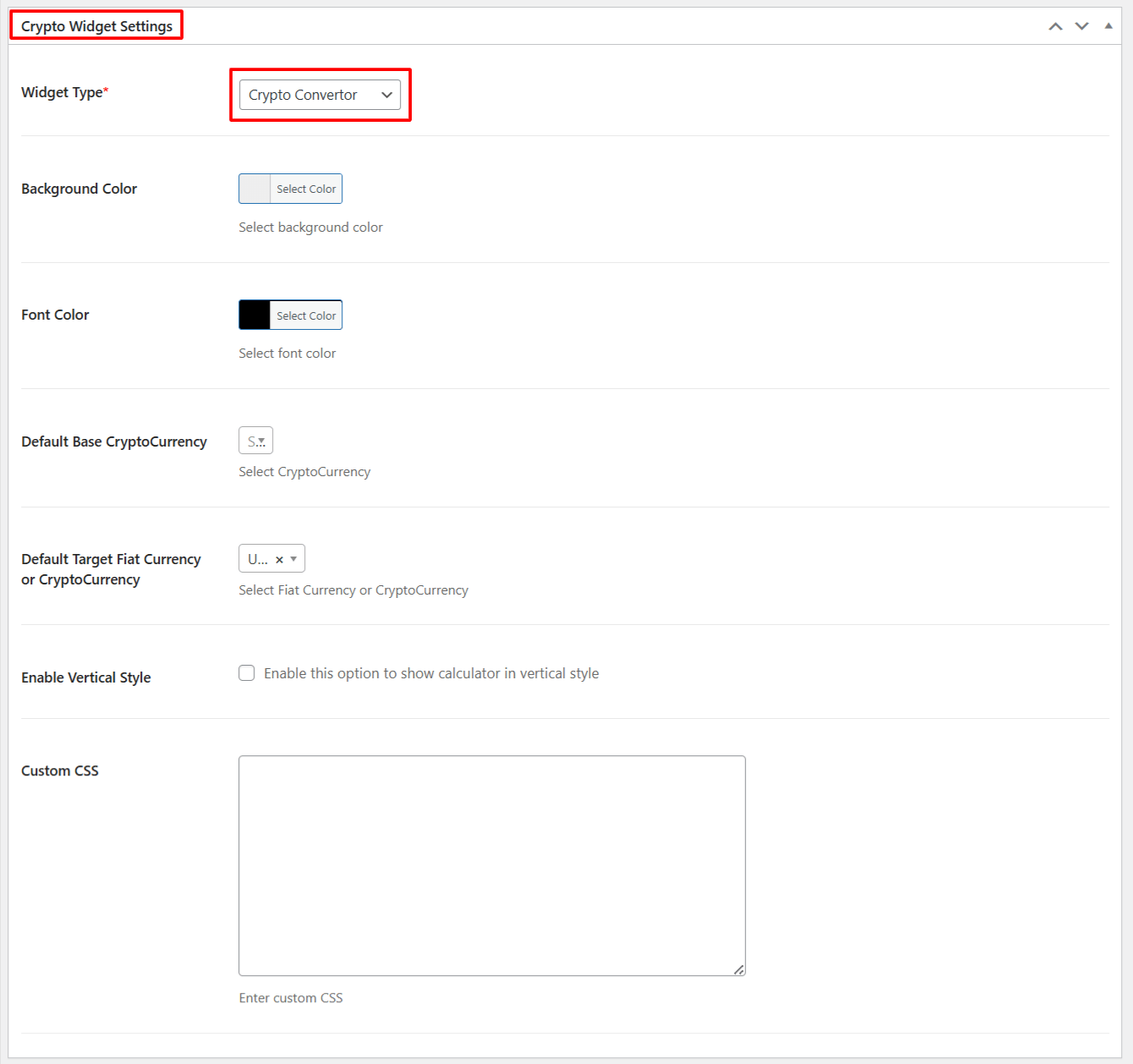
- From Crypto Widget Settings:
- Widget Type: Choose Crypto Convertor from the available widget type options.
- Background Color: Set the background color for the Widget.
- Font Color: Set the text color for the widget.
- Default Base Cryptocurrency: Select the Cryptocurrency to display in the Convertor as the default Cryptocurrency. If a user does not select any Cryptocurrency, then Bitcoin(BTC) will be displayed as the Default Base Cryptocurrency.
- Default Target Fiat Currency or CryptoCurrency: Choose Default Target Fiat Currency, if the user does not select, then USD will be displayed as Default Target Fiat Currency or CryptoCurrency.
- Enable Vertical Style: Check this if you want to show the calculator in vertical style.
- Custom CSS: Enter the custom CSS for more styling options.
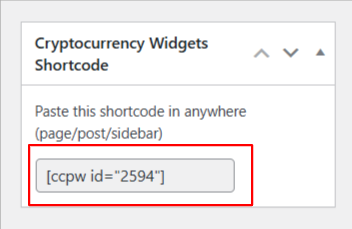
- After being satisfied, publish the page. A shortcode will be generated. Copy this shortcode and paste it anywhere on your site.
Output