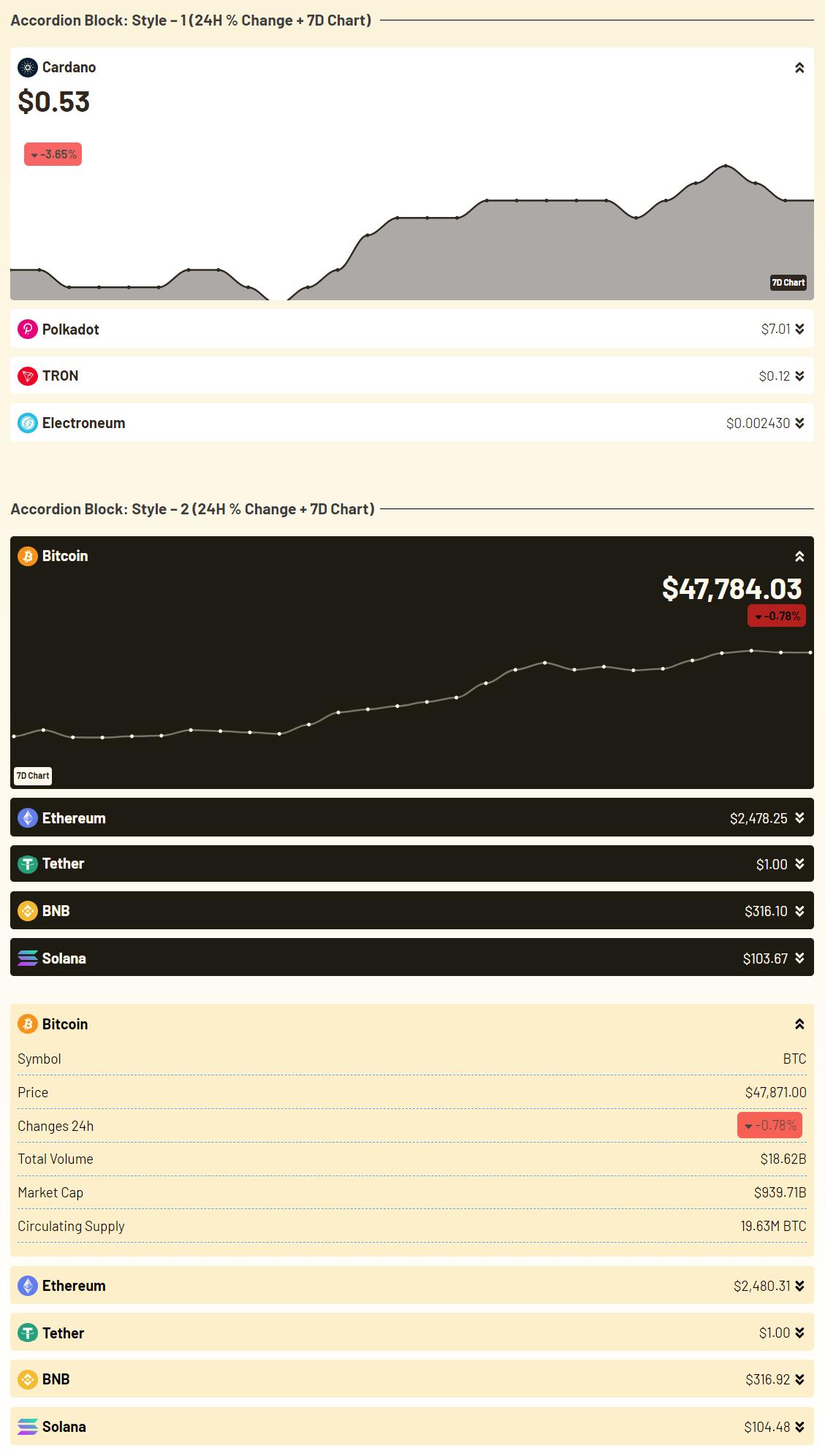
Using Cryptocurrency Widgets Pro, you can easily create a Accordion Block widget and then add it anywhere on your page/post via shortcode.
What is an Accordion Block?
The Accordion Block Widget helps you show cryptocurrency information in a simple way. It works like a list of sections that open and close when a user clicks on them. Each accordion item shows the coin name, price, market info, & more. This is useful when you want to display detailed information about coins but don’t want your page to look messy.
Follow the steps below to create the Accordian Block widget:
Add an Accordion Block Widget
- From your WordPress dashboard, navigate to Crypto Plugins > Crypto Widget Pro.
- Click Add New Widget.
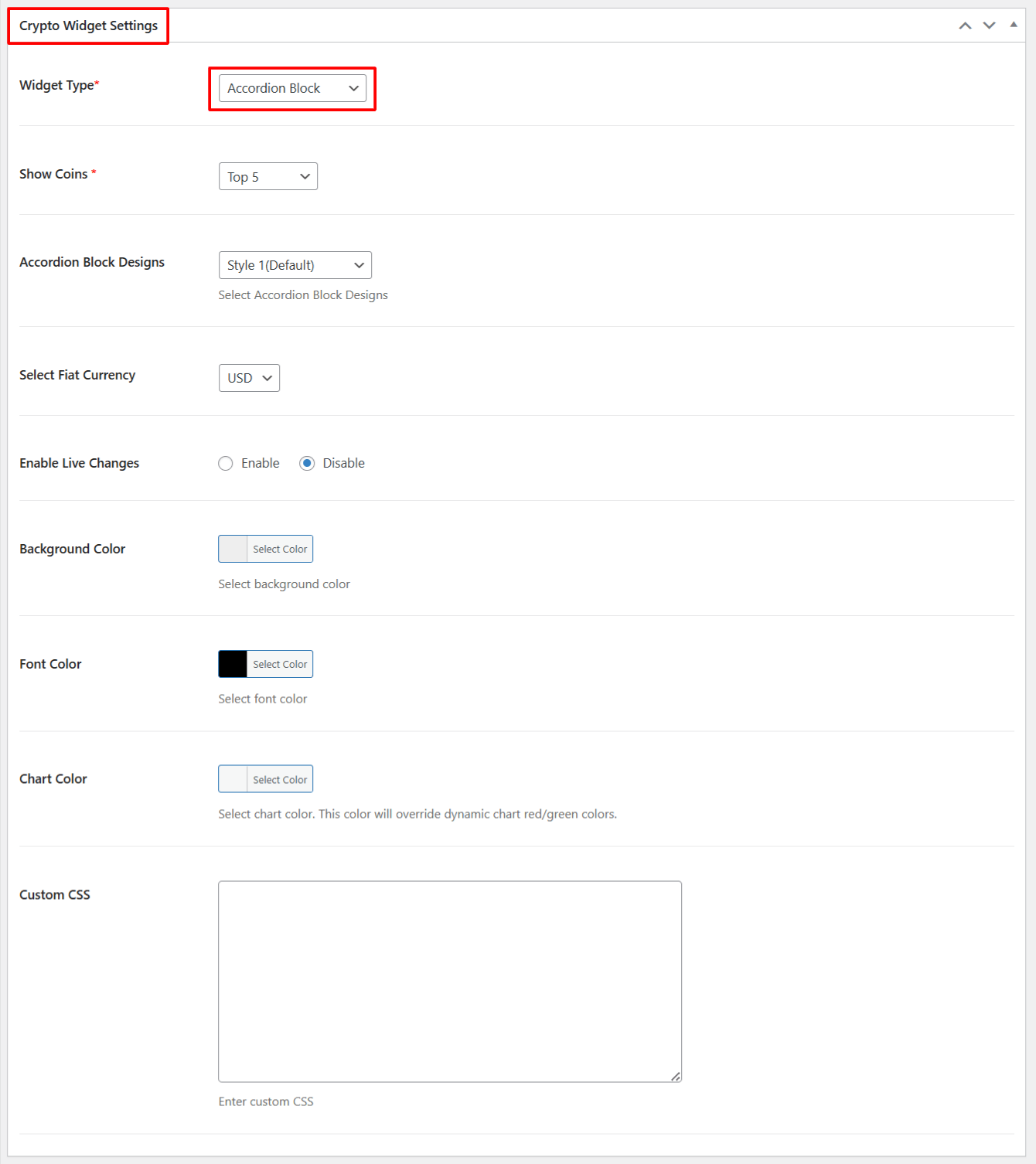
- From Crypto Widget Settings:
- Widget Type: Choose Accordion Block from the available widget type options.
- Show Coins: Select the number of top coins that you want to display.
- Accordion Block Designs: Select the design style for your accordion.
- Select Fiat Currency: Choose which fiat currency you want to show for price conversion.
- Enable Live Changes: Enable this option if you want to show Live price changes.
- Background Color: Customize the background color of accordion.
- Font Color: Select the color of the text shown inside the accordion.
- Chart Color: Choose the color for chart lines shown in the accordion.
- Custom CSS: If you want extra styling, you can add your own CSS here.
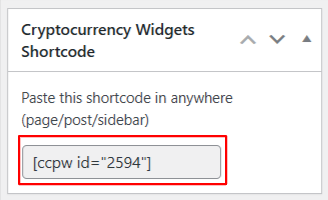
- After being satisfied, publish the page. A shortcode will be generated. Copy this shortcode and paste it anywhere on your site.
Output