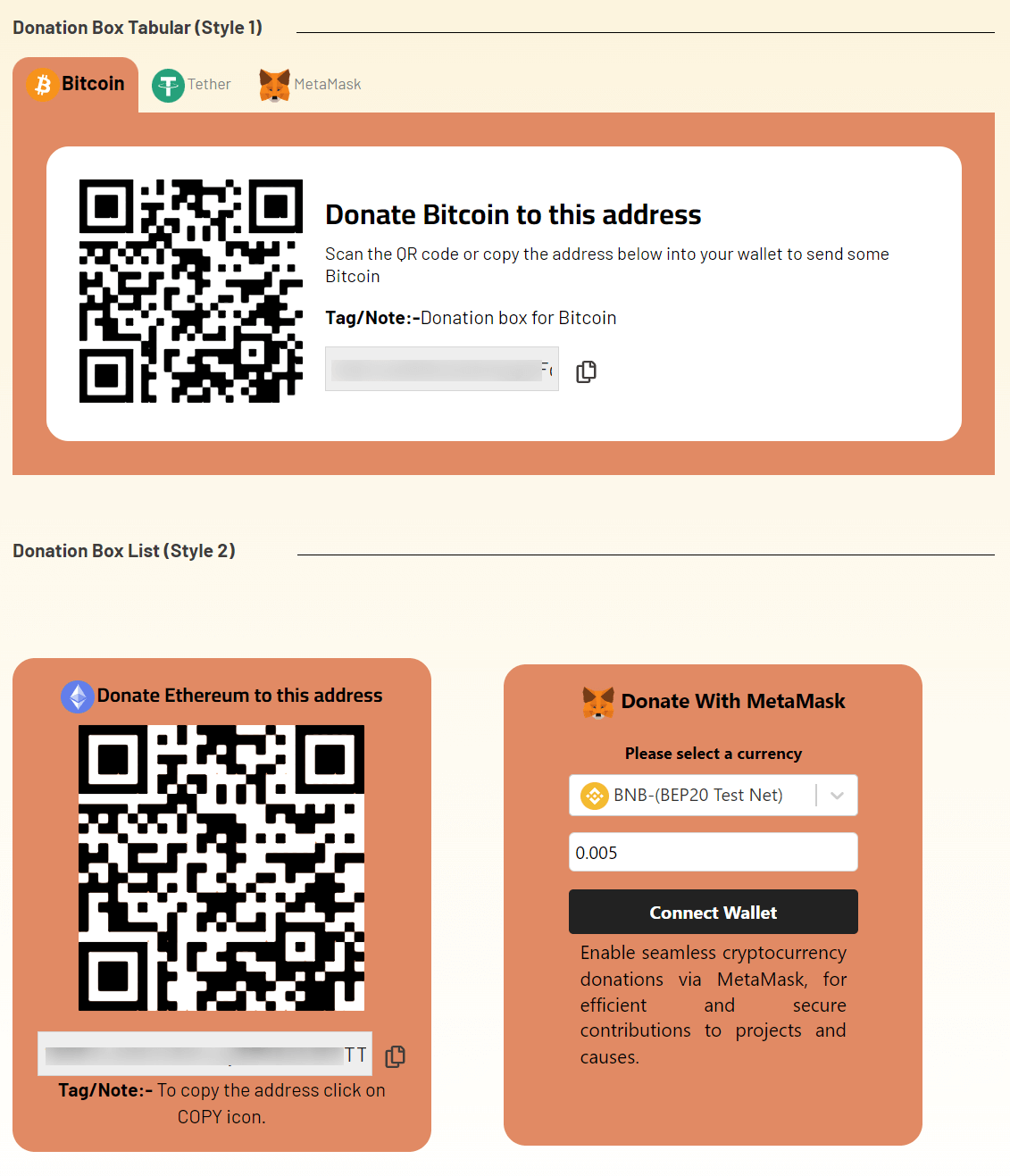
Using Cryptocurrency Widgets Pro, you can easily create a Donation Box widget and then add it anywhere on your page/post via shortcode.
What is Donation Box Widget?
The Donation Box Widget allows you to display a customizable crypto donation box anywhere on your WordPress site. This widget helps you collect cryptocurrency donations by showing your wallet address, QR code, and supported coins. Ideal for bloggers, creators, NGOs, and anyone who wants to receive support in digital currencies directly on their website.
Follow the steps below to create the Donation Box widget:
Add Donation Box Widget
- From your WordPress dashboard, navigate to Crypto Plugins > Crypto Widget Pro.
- Click Add New Widget.
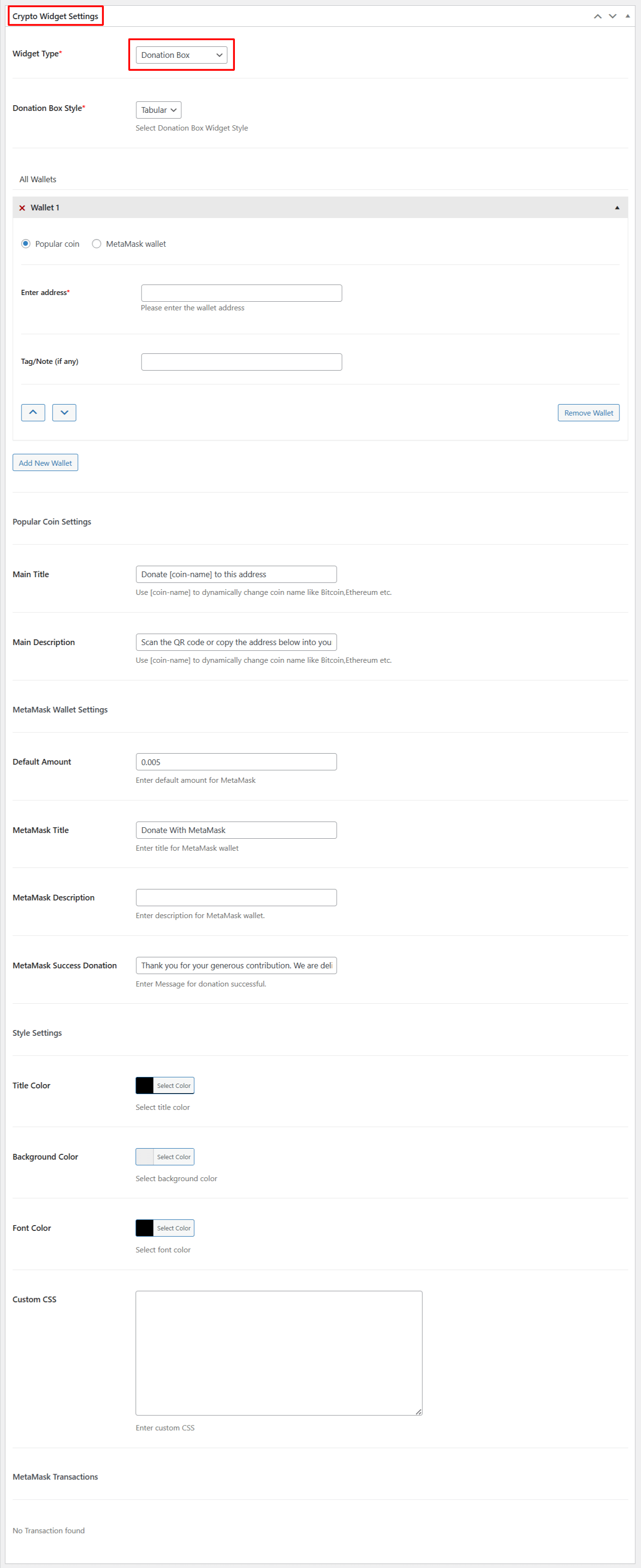
- From Crypto Widget Settings:
- Widget Type: Choose Donation box from the available widget type options.
- Donation Box Style: Choose the layout style for your donation box, such as a tabular design.
- All Wallets: Add one or multiple crypto wallets to receive donations.
- Default Amount: Enter a default donation amount for MetaMask wallets.
- MetaMask Title: Add a title for MetaMask wallets.
- MetaMask Description: Enter a short description for MetaMask wallets.
- MetaMask Success Donation: Add the success message that users will see after completing a MetaMask donation.
- Title Color: Select the color for the main title of your donation box.
- Background Color: Choose a background color for the donation box container.
- Font Color: Select the color of the text displayed inside the donation box.
- Custom CSS: Enter your custom CSS to apply advanced styling to the donation box.
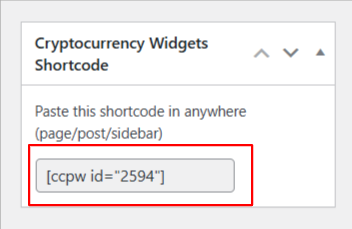
- After being satisfied, publish the page. A shortcode will be generated. Copy this shortcode and paste it anywhere on your site.
Output