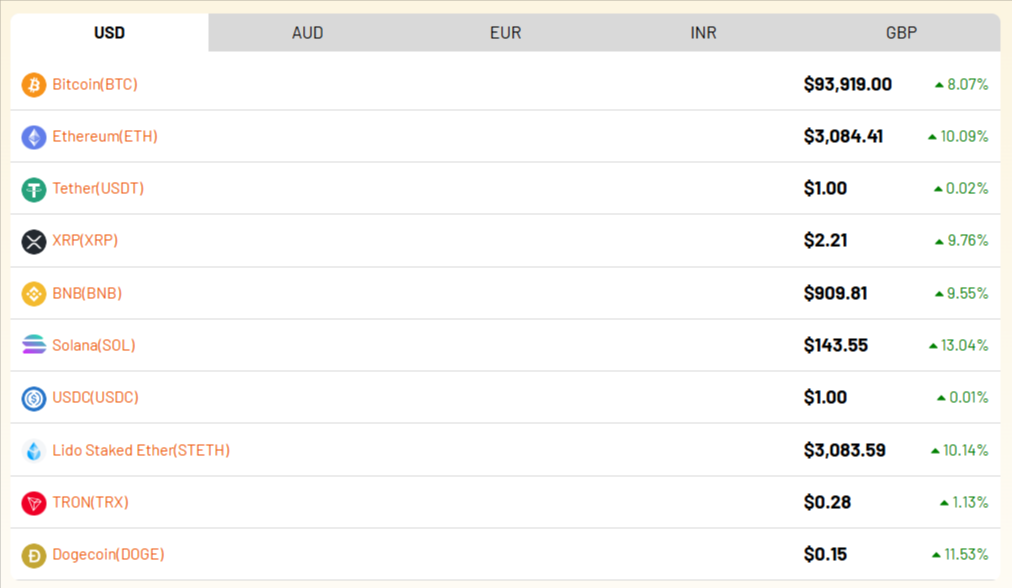
Using Cryptocurrency Widgets Pro, you can easily create a multicurrency tabs widget and then add it anywhere on your page/post via shortcode.
What is Multicurrency Tabs?
The Multicurrency Tabs Widget displays cryptocurrency prices in multiple fiat currencies using a clean tab layout. Each tab represents a different currency, such as USD, EUR, GBP, JPY, and many more.
Instead of creating separate widgets for each currency, this widget combines everything in one place. It allows visitors to explore crypto prices in their preferred currency in a single click.
Follow the steps below to create a multicurrency tabs widget:
Add Multicurrency tabs
- From your WordPress dashboard, navigate to Crypto Plugins > Crypto Widget Pro.
- Click Add New Widget.
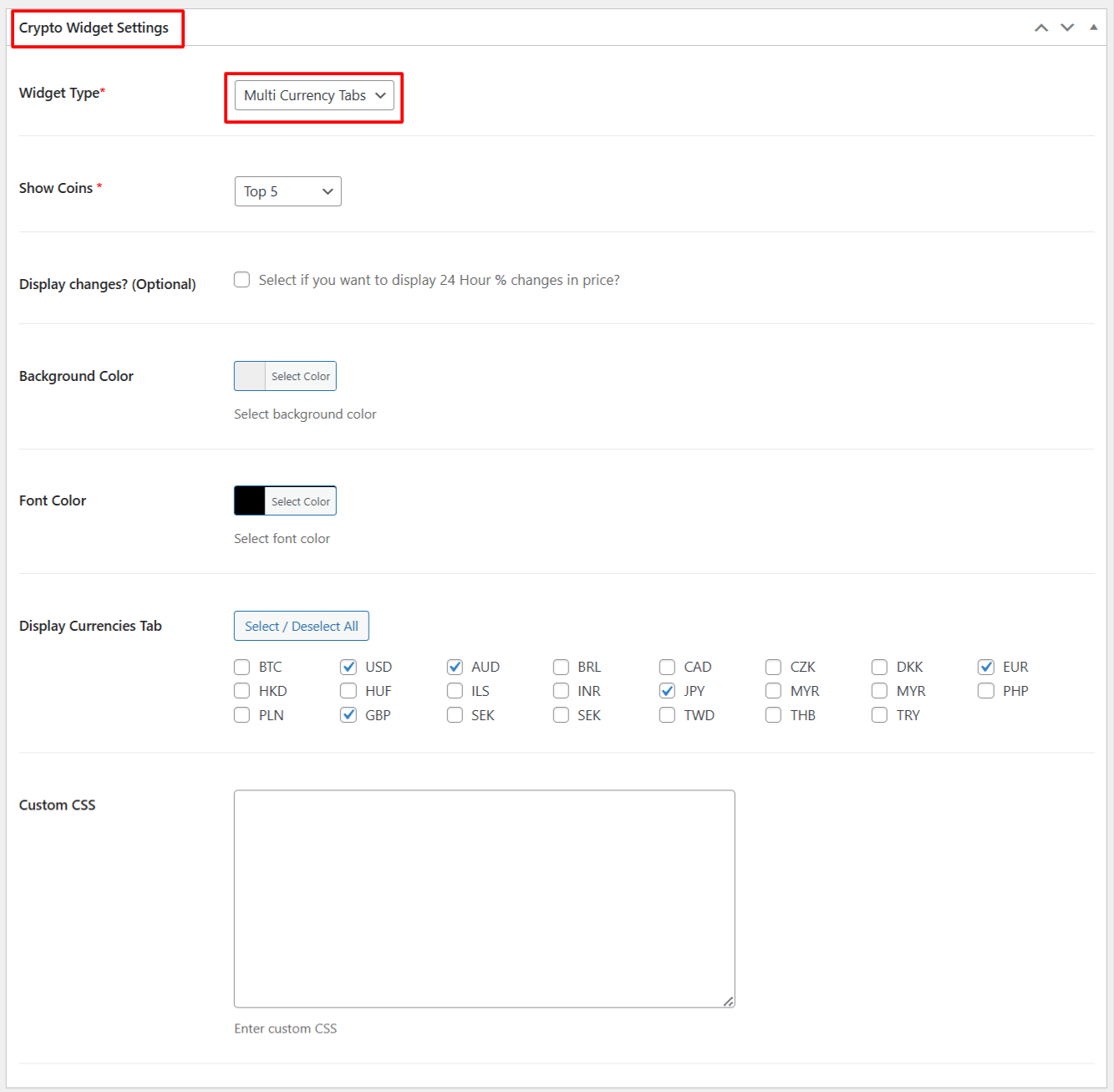
- From Crypto Widget Settings:
- Widget Type: Choose Multicurrency Tabs from the available widget type options.
- Show Coins: Choose how many cryptocurrencies you want to display.
- Display Changes: Enable this option if you want to show 24–hour percentage change for each coin.
- Background Color: Select a background color for the widget container.
- Font Color: Choose a font color according to your preferences.
- Display Currencies Tab: Select the fiat currencies you want to show as tabs.
- Custom CSS: Add your own custom CSS for more styling.
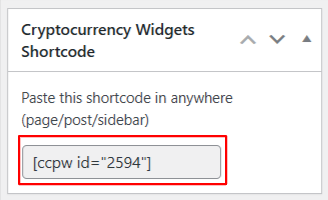
- After being satisfied, publish the page. A shortcode will be generated. Copy this shortcode and paste it anywhere on your site.
Output